3D figures (credits)
Turn a photo into a true 3D figure and set it on your diary page
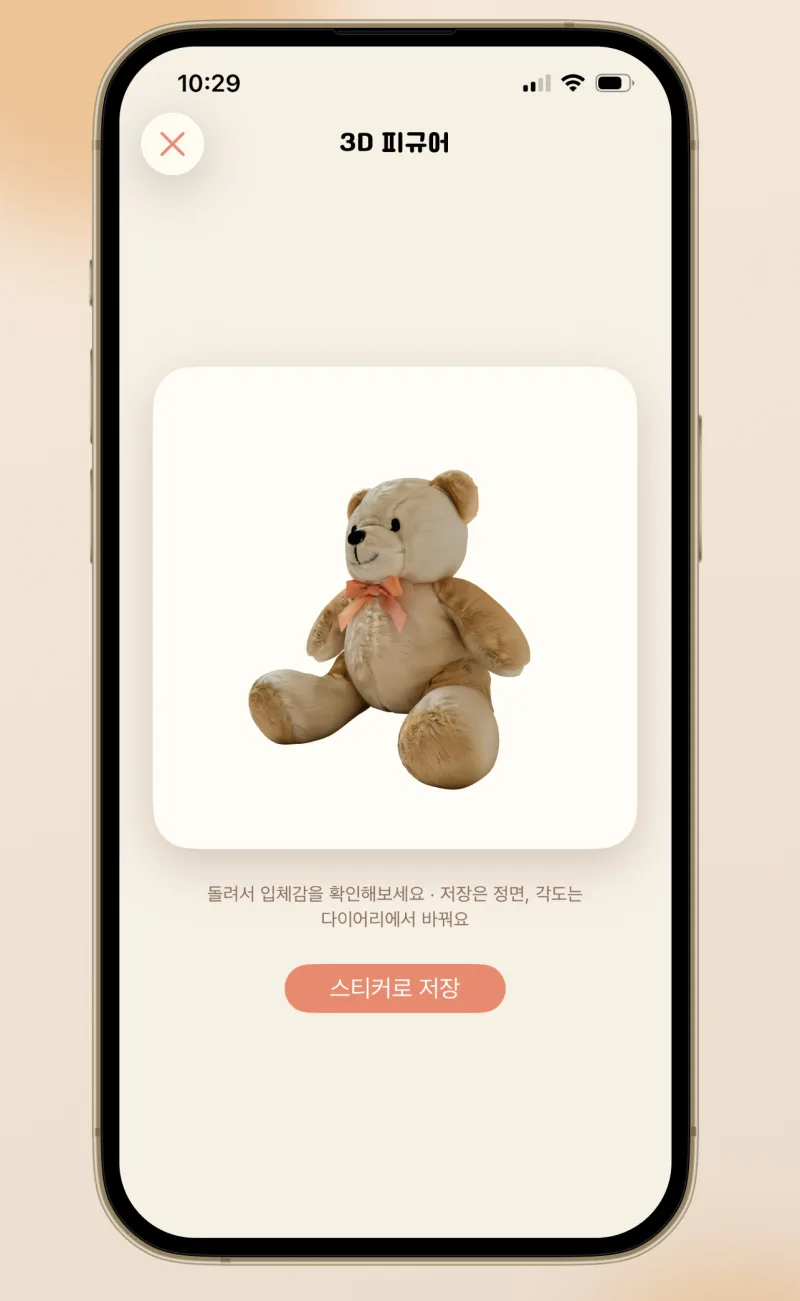
One photo becomes a puffy 3D sticker. Today's dessert, your dog, your favorite photo — just pick it from your album, the background disappears, and it turns into a plump little sticker.


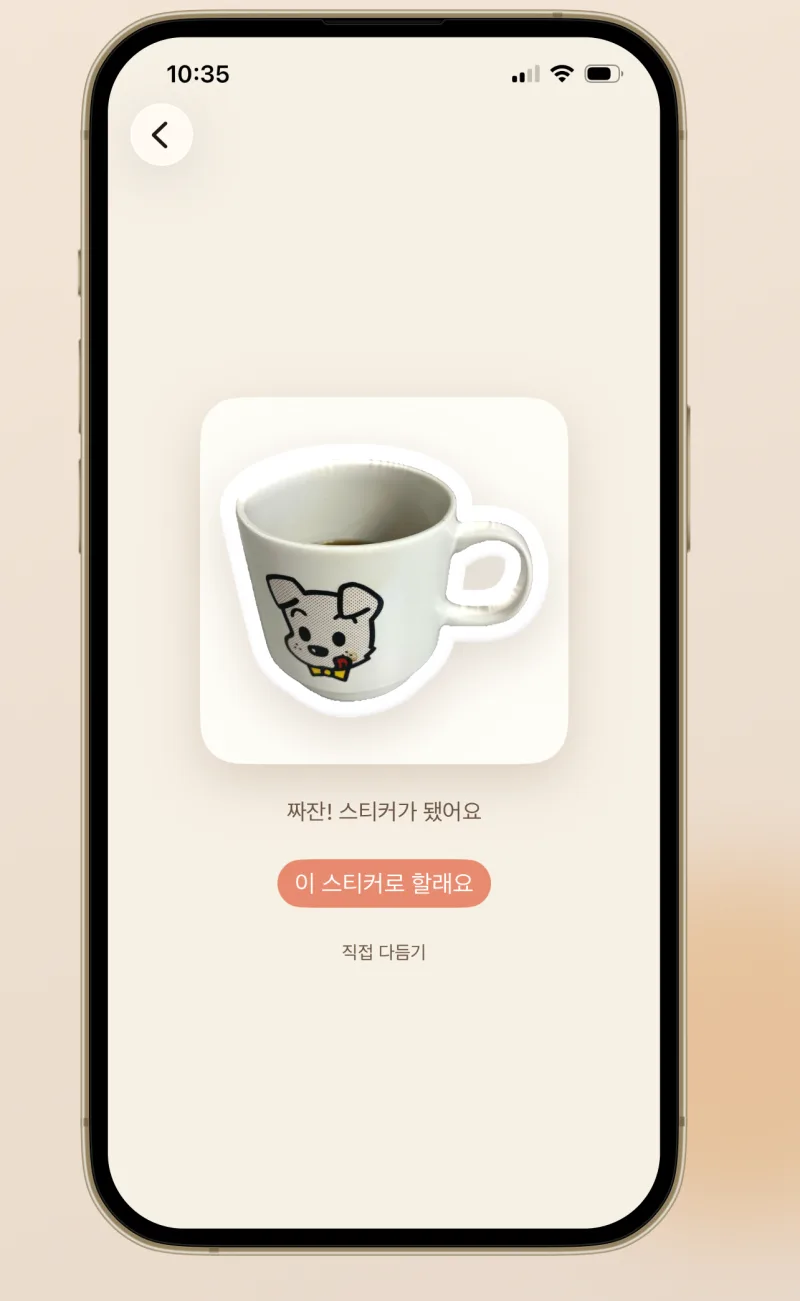
Pick from your album or snap a photo — the background is removed automatically
A plump border and glossy shine make it look like a real puffy seal
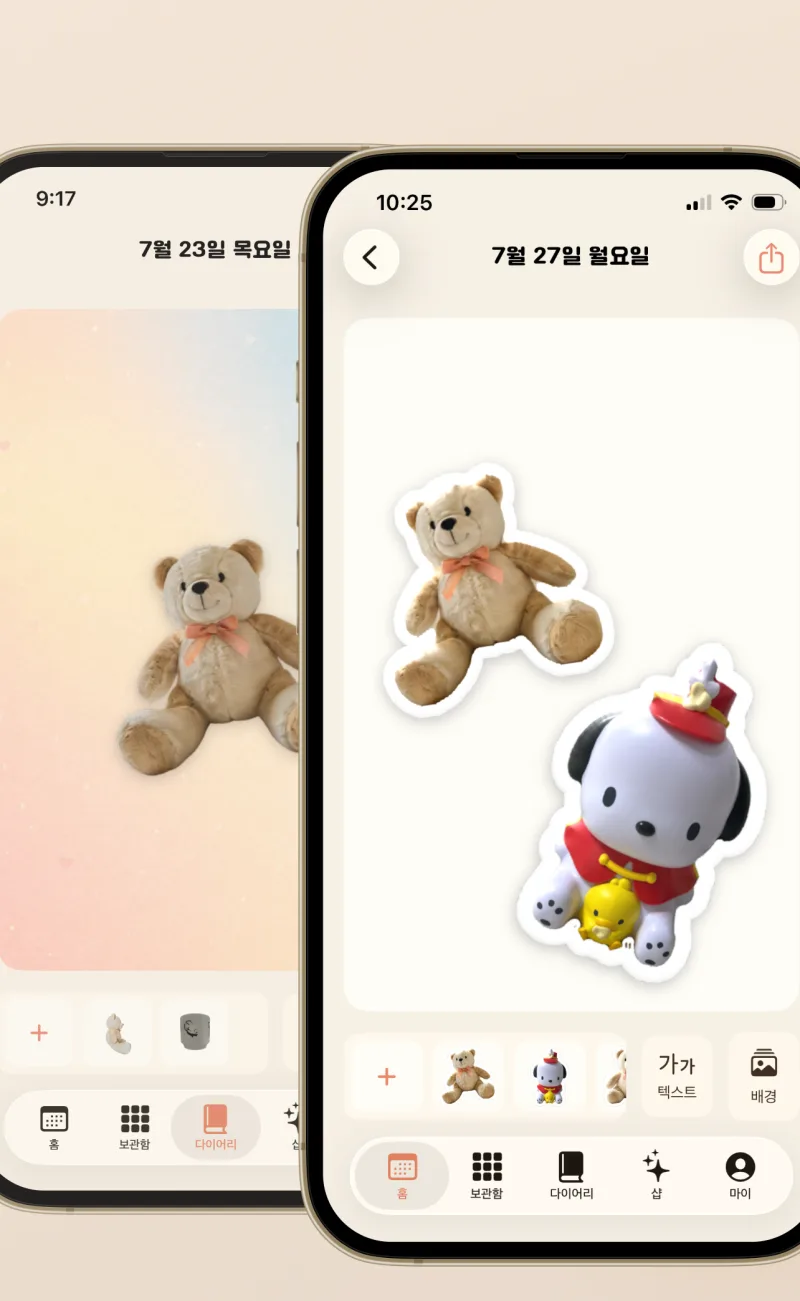
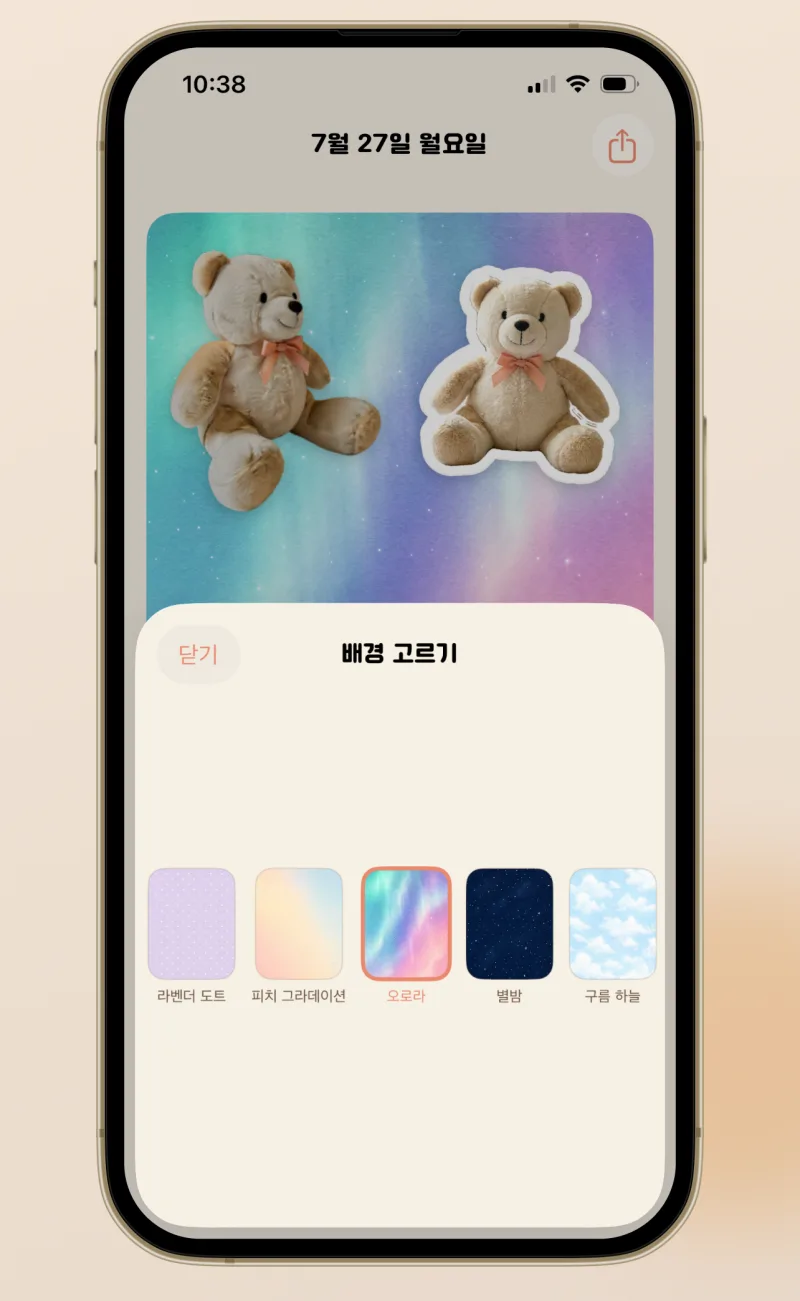
Add stickers, write over them, swap the background paper
Turn a photo into a true 3D figure and set it on your diary page
Keep a decorated page right on your home screen
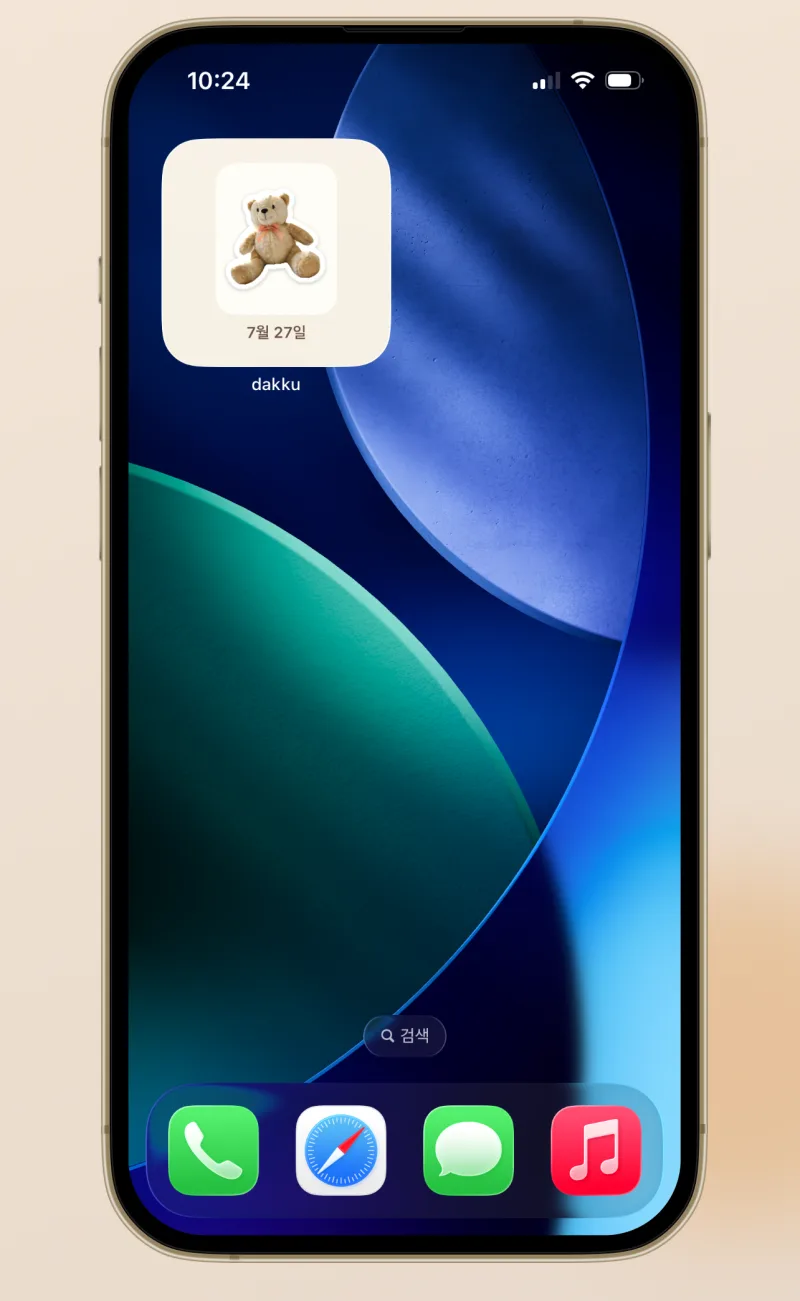
One photo becomes a puffy 3D sticker. Add stickers, write over them, swap the background paper. Save finished pages as images to share with friends.
Pick from your album or snap a photo — the background is removed automatically. A plump border and glossy shine make it look like a real puffy seal.
Making stickers and decorating your diary starts instantly, no account needed. Only 3D figures use credits. Unlocking backgrounds is a one-time purchase.
Making stickers and decorating your diary starts instantly, no account needed. An account is only for paid features — credit top-ups, 3D figures, unlocking backgrounds.
Your diary and stickers stay on your device. A photo is sent to our server only when you create a 3D figure.
Your photos become puffy 3D stickers for your diary. Capture today as a sticker.